

Required Items:
- USB-C (male) to USB-A (female) adapter dongle
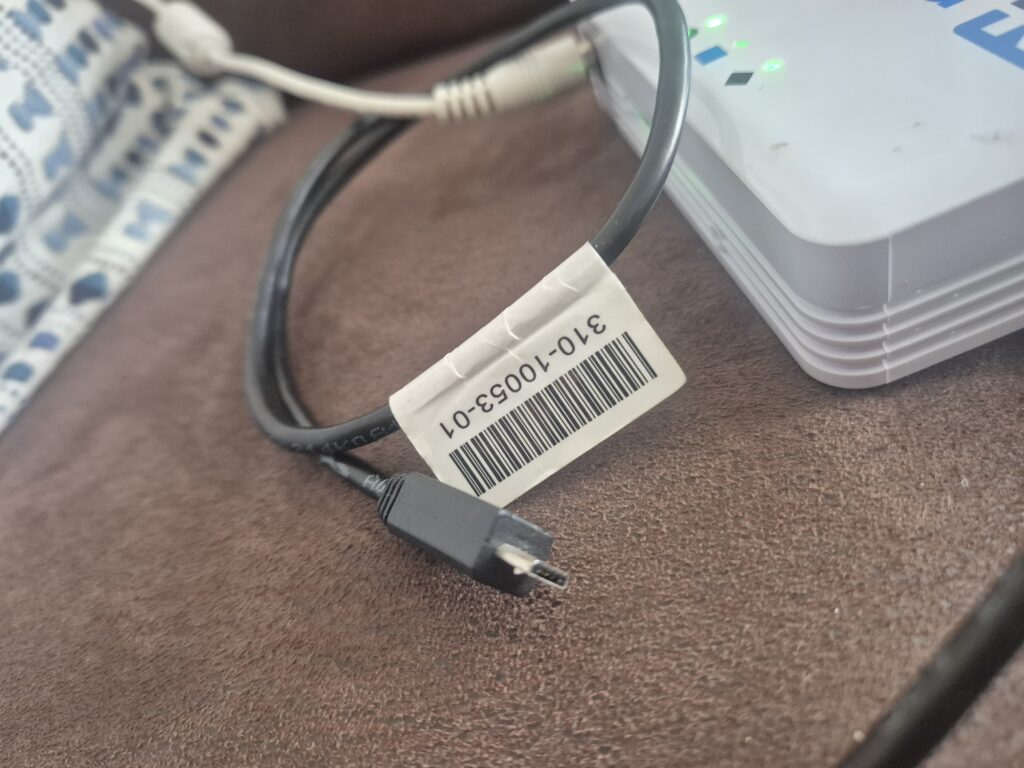
- USB-A (male) USB Micro-B (5-pin) (male) console cable
- App Store Install the PL2303 Serial Driver and grant it approval
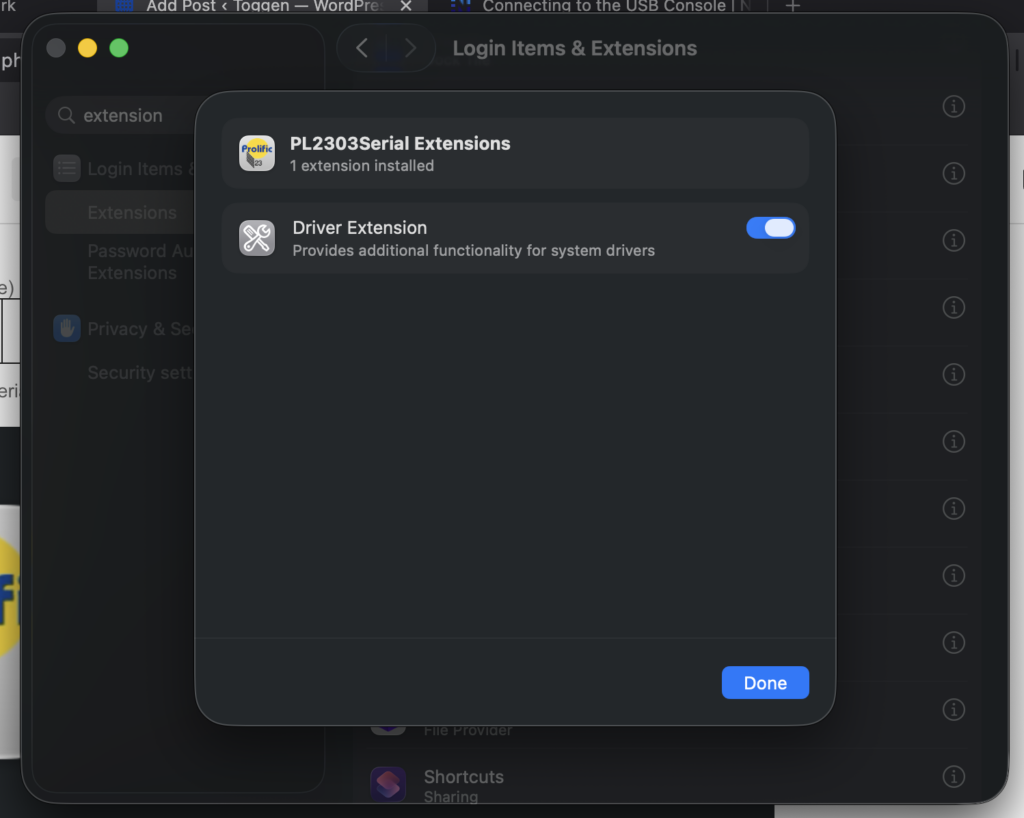
System Settings => General => Login Items & Extensions => PL2303Serial Extensions (slider to the right)
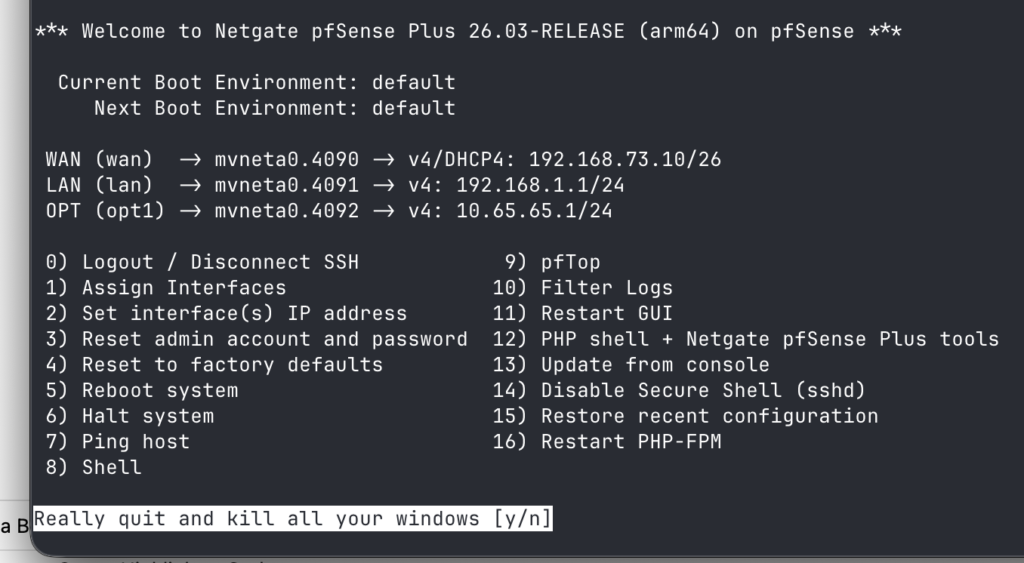
I use ghostty
to find the console cable device do a ls /dev/cu* if you can't see something similar to the following device then your Mac is not seeing it yet.
export TERM=xterm
screen -U /dev/cu.PL2303G-USBtoUART110 115200
# press enter to see text after the screen command

# to end the screen session issue the following key
CTRL + a
CTRL + \
y
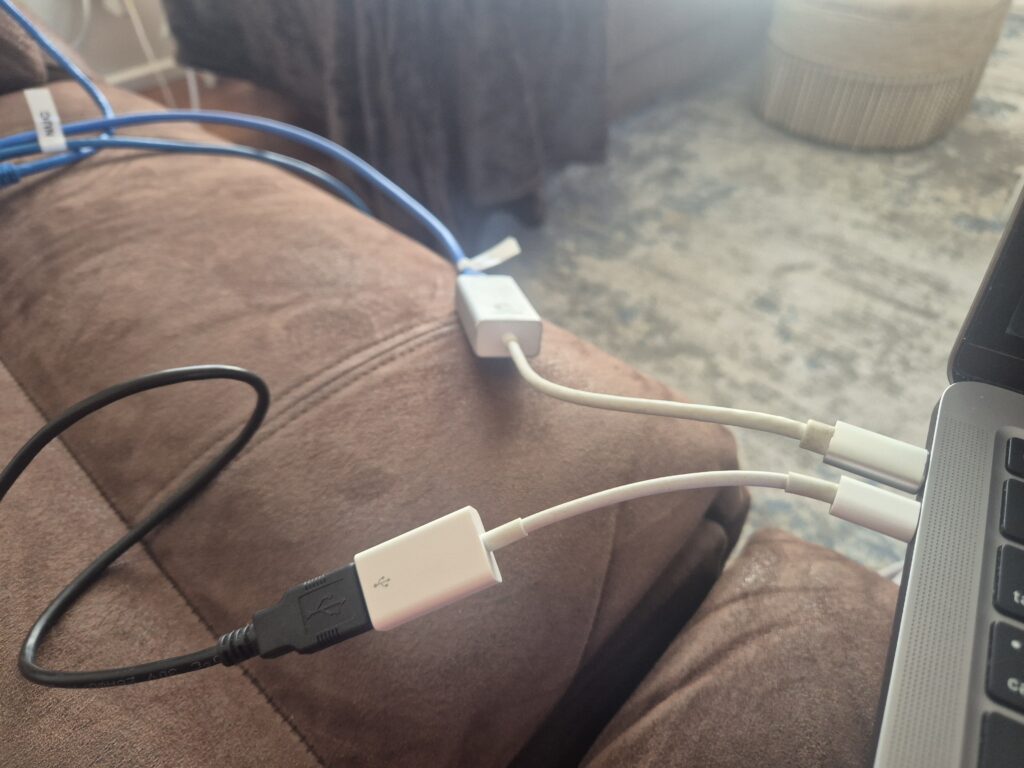
The USB-C to USB-A dongle is just an Apple one
https://docs.netgate.com/pfsense/en/latest/solutions/sg-1100/connect-to-console.html
0 Comments