

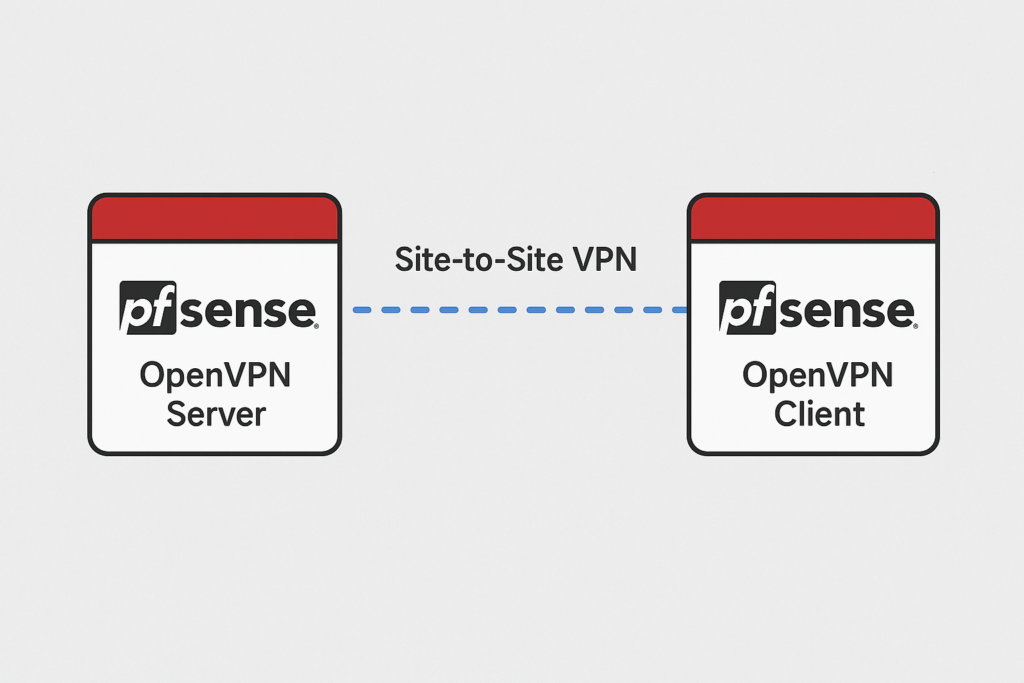
Creating a site to site OpenVPN tunnel with certificate authentication on two pfSense firewalls (one side acting as server and the other a client)
Problem: After importing OpenVPN Server CA certifcate and client certificate from the server end into the client end Cert Manager, the client cert is not showing in the "Client Certificate" drop down field on the OpenVPN client config page.
Resolution: When importing the client certificate generated by the OpenVPN Server into the client end remember the client cert requires both the cert and the private key!!! The CA cert doesn't need the private key, but the client certificate does.
In the server side Certificate Manager next to the certificate generated for the OpenVPN Client you need to click the Key icon to get the private key and also the Star icon next to it to get the certificate.

0 Comments