
Sometimes you might want to filter / block IP traffic based on ASN
Use a tool like https://whatismyipaddress.com to enter an IP address and find the ASN e.g. 14061
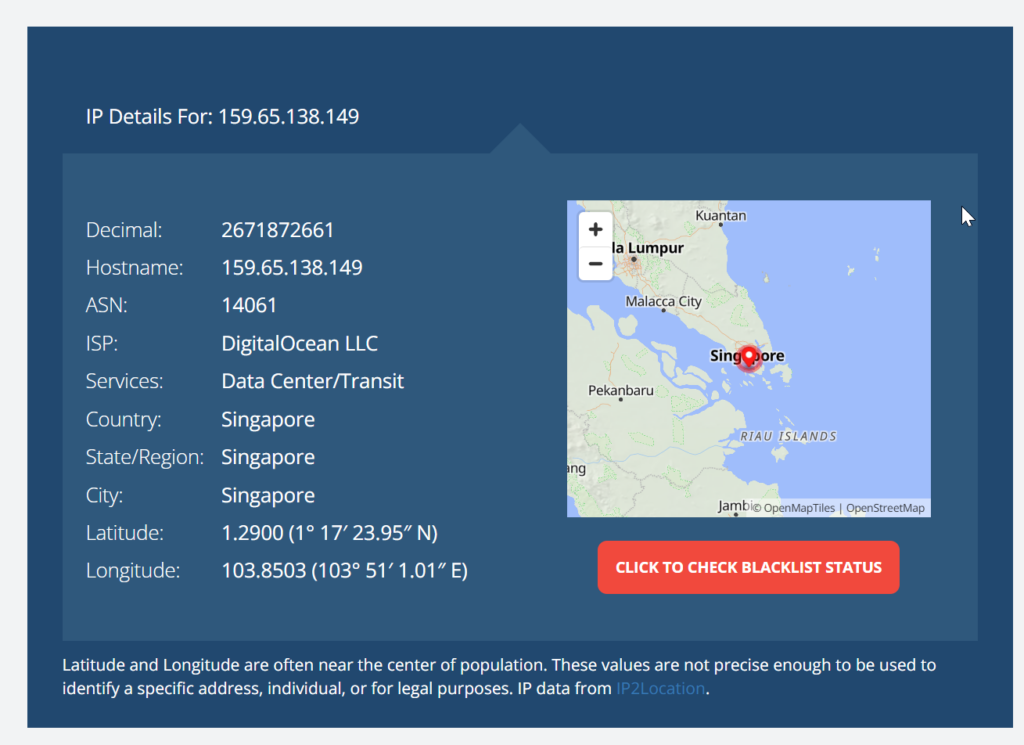
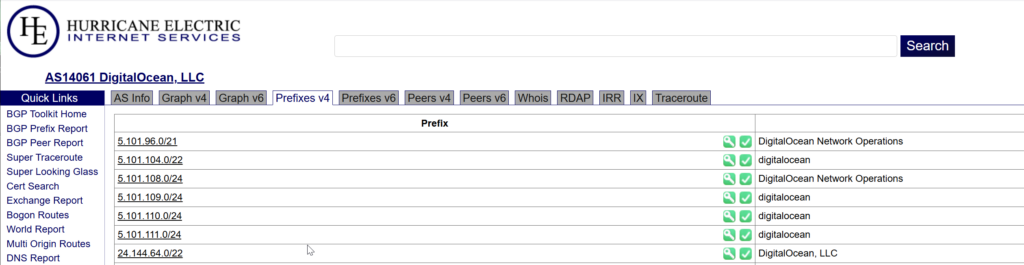
Then go to https://bgp.he.net/ and search by the ASN number 14061
You need to click on one of the Prefixes tabs https://bgp.he.net/AS14061#_prefixes which will show information about IP Ranges in the ASN for you.
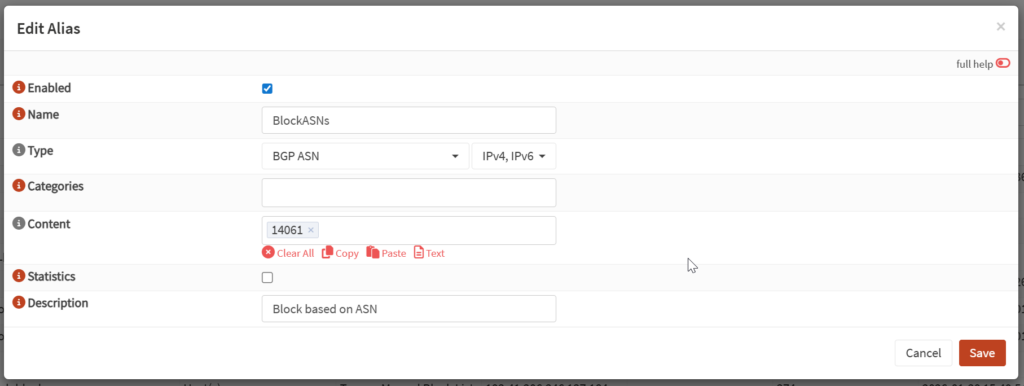
If you firewall software supports Aliases based on BGP ASN ranges. You can an Alias in your firewall to filter or block by ASNs (this example is OPNsense)
0 Comments