
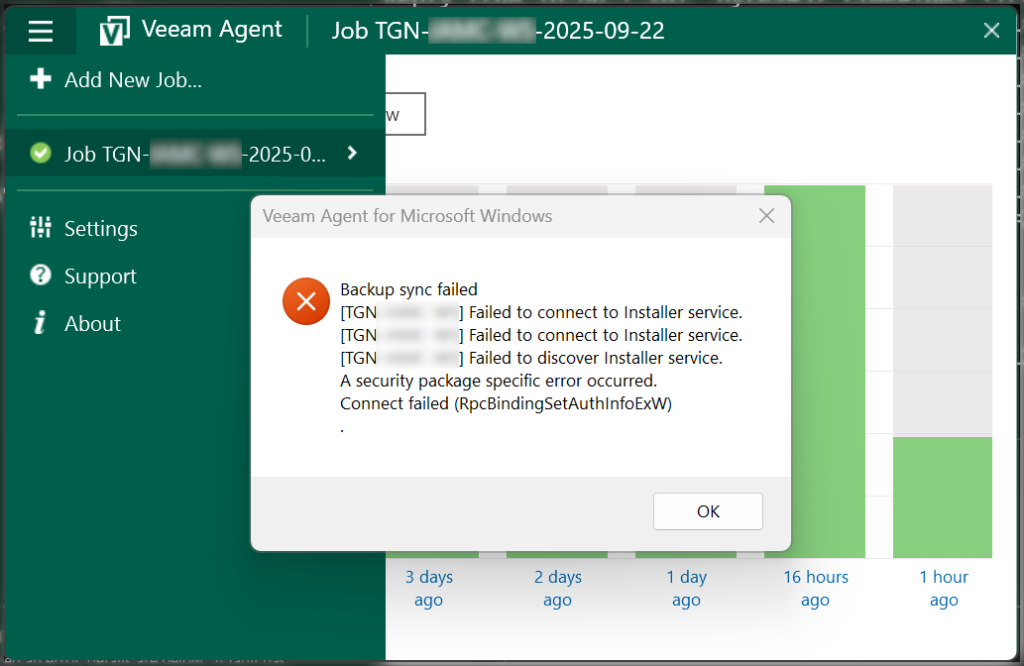
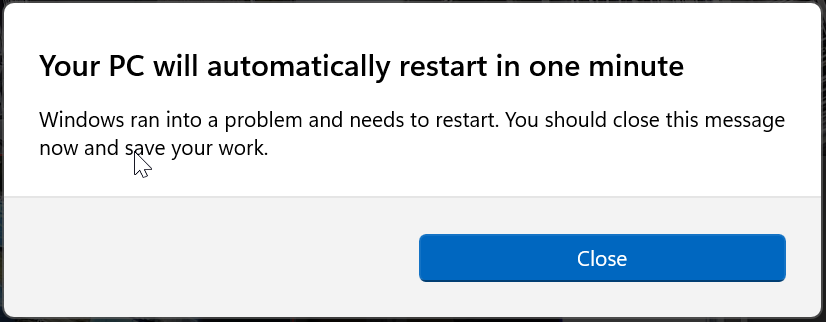
Windows 11 Enterprise 25H2 - Attempting a Veeam Agent for Windows (unlicensed) file restore while logged in as an AzureAD account. The computer throws the following error and reboots after displaying a "Your PC will automatically restart in one minute" dialog:
Backup sync failed
[COMPUTER NAME] Failed to connect to Installer service.
[COMPUTER NAME] Failed to connect to Installer service.
[COMPUTER NAME] Failed to discover Installer service.
A security package specific error occurred.
Connect failed (RpcBindingSetAuthInfoExW)
Work-a-round - Create a local administrator account and run the restore using it
Create a local admin account
Login and open the Veeam Agent for Windows console and re-add the job as that user
Re-run the restore
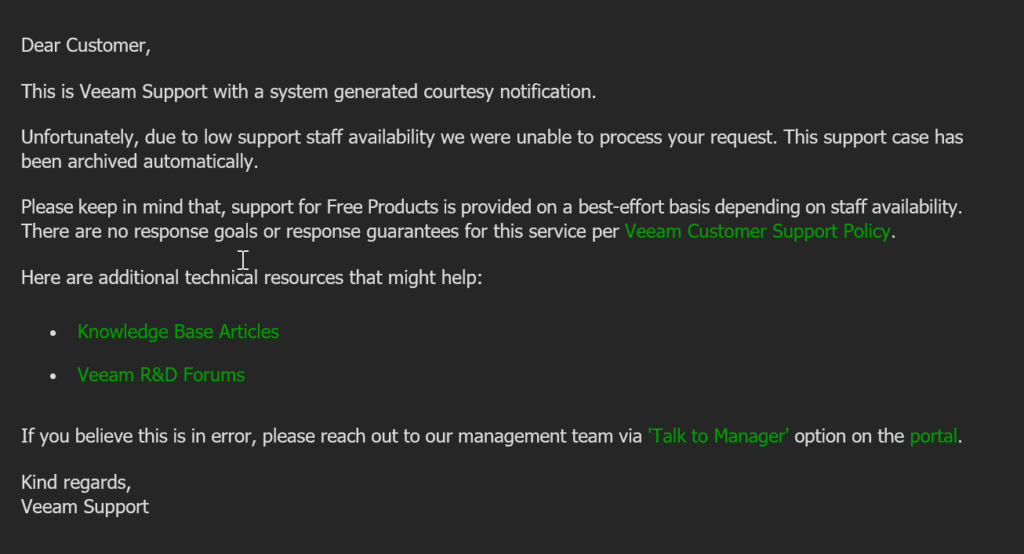
Veeam Support - Response
I have attempted to get this fixed by logging a ticket with Veeam support but got the following reply due to using the free edition
0 Comments