
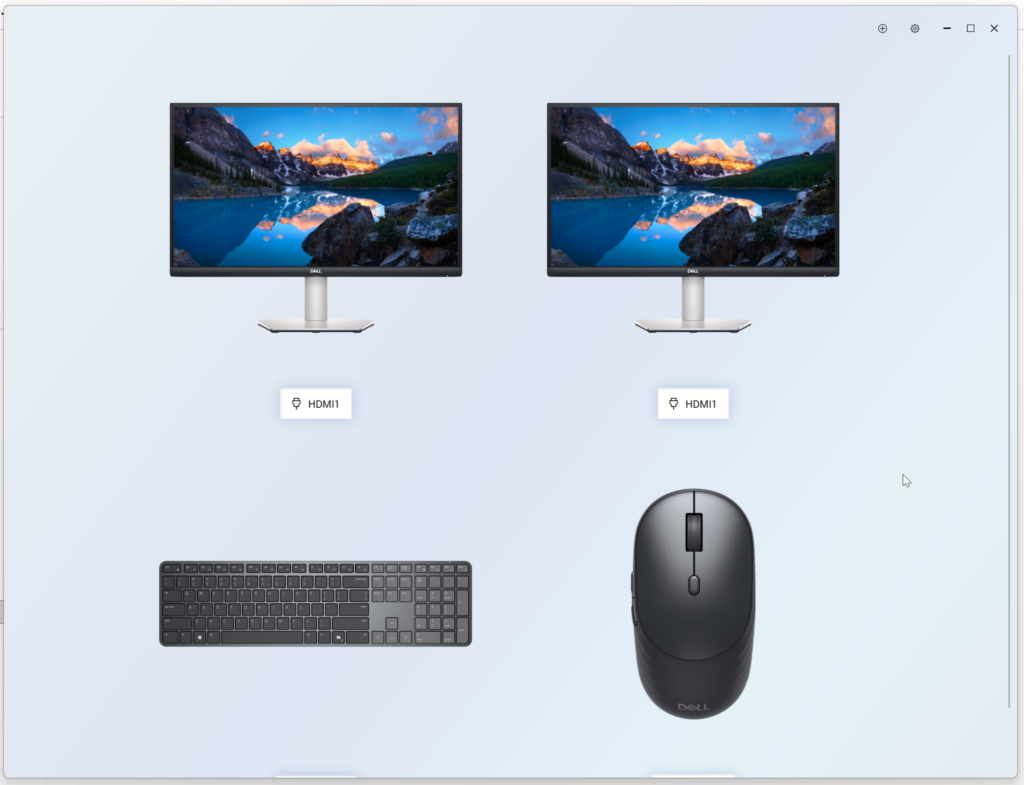
On my generic self-built PC I have some Dell peripherals 2 x 27" monitors and Dell Pro 7 Slim Keyboard and Mouse - KM726
So I installed the Dell Display and Peripheral Manager (DDPM-Setup_2.3.0.9.exe)
But the problem is that it keeps auto-starting every login and I have a giant splash screen in front of me which I don't need to see
The Dell help document was unhelpful both "fixes" don't work https://www.dell.com/support/kbdoc/en-us/000474900/dell-display-and-peripheral-manager-auto-launches-after-a-restart-or-at-sign-in?lang=en
So I've just stopped and set the service start-up to manual for the Dell Services
The down side is that you can't just start the Dell Display and Peripheral Manager without first starting all the below service back up again
Get-Service | Where-Object { $_.DisplayName -match "Dell" } | Select-Object DisplayName, ServiceName, StartType, Status

DisplayName                     ServiceName                 StartType  Status
-----------                     -----------                 ---------  ------
Dell Client Management Service  DellClientManagementService    Manual Stopped
Dell TechHub                    DellTechHub                    Manual Stopped
Dell Peripheral Manager Service DPMService                     Manual Stopped

Dell Display and Peripheral Manager
0 Comments