
After a recent upgrade to Elementor 3.35.5 and Elementor Pro 3.35.1

Problem: Advanced tabs were not showing the contents of templates included using a short code. (content was there and taking up space but display: hidden). When looking at the Page containing the Advanced Tabs in the Elementor Editor I also saw dozens of lines of CSS styling and the template contents was displayed after the CSS.
Example of a short code in the Content field of an Advanced tab:
[elementor-template id="162"]
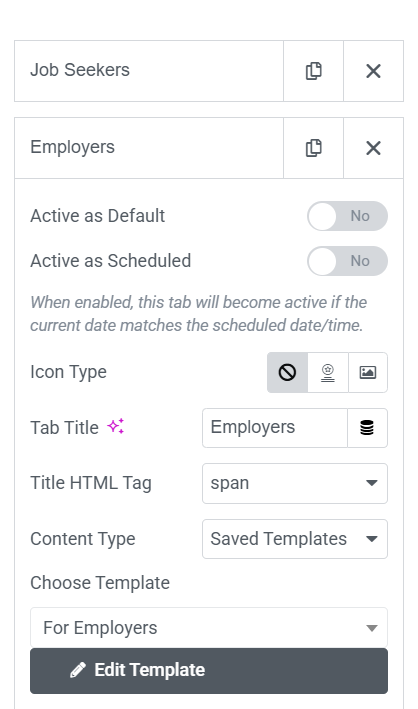
The fix is to stop using the short code and change the Content Type to "Saved Templates" and choose the correct template from the drop down list under "Choose Template"
0 Comments