Using a Desktop Browser
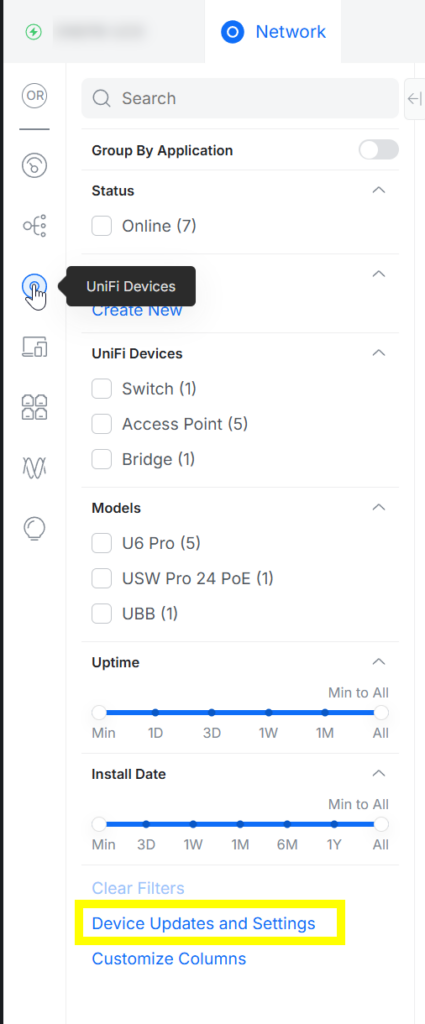
Login to the Cloud Console Network App and select the Unifi Devices icon
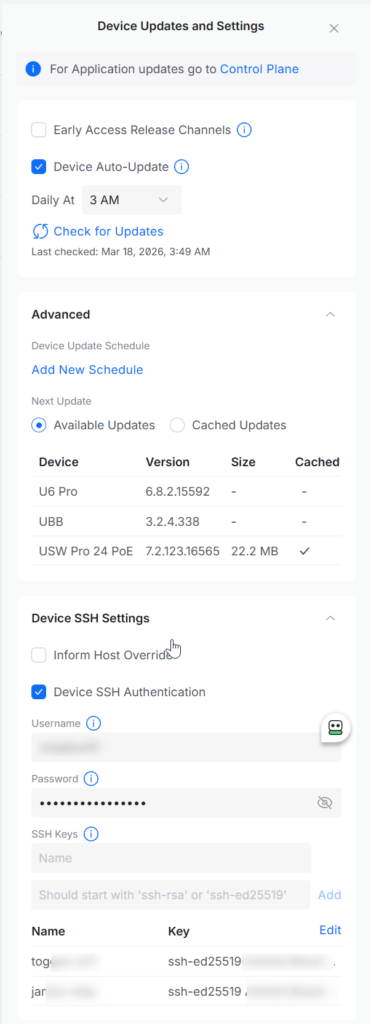
Click "Device Updates and Settings" and a pane will appear on the right
Scroll down and expand "Device SSH Settings"

Using a Desktop Browser
Login to the Cloud Console Network App and select the Unifi Devices icon
Click "Device Updates and Settings" and a pane will appear on the right
Scroll down and expand "Device SSH Settings"
0 Comments