
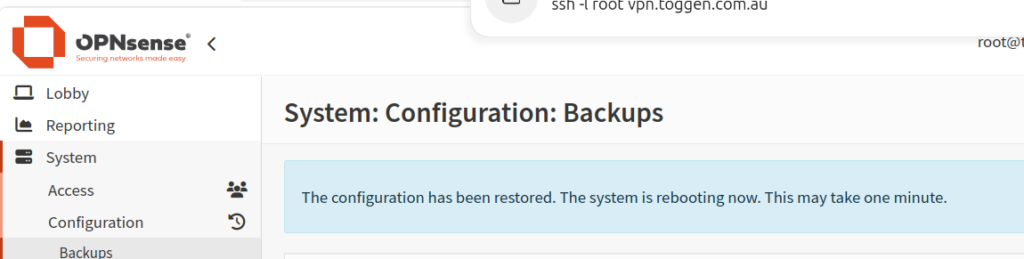
Problem: Cannot restore a configuration backup using the GUI in OPNsense
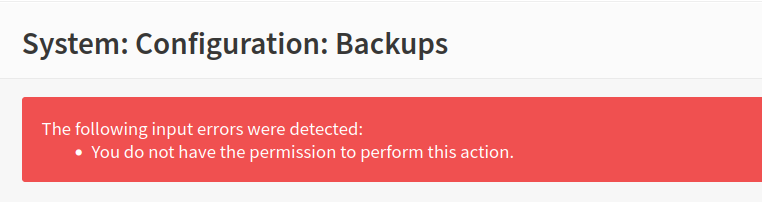
Error: You do not have the permission to perform this action.
Resolution: Login to the console or via SSH and remove all access privileges leaving <priv>pages-all</priv> in /conf/config.xml for the root user
Doing it with the GUI
Edit page access via the GUI will not work if "System: Deny config write" ( user-config-readonly in /conf/config.xml ) is set. You will need to manually edit /conf/config.xml to remove user-config-readonly
But if you can save privileges (page access) changes you can continue with the following
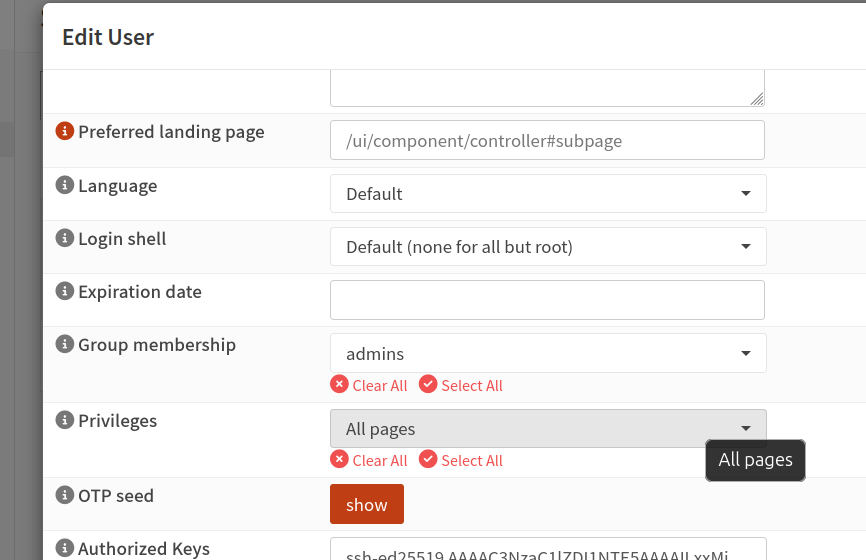
System => Access => Users => Edit root
On the Privileges field click Clear All and then Important! Make sure you select "All Pages" before saving the Edit User dialog
Before:

After:
0 Comments