
Upgrade the BIOS to the latest available
In the BIOS
Enter BIOS and... (F12 and then choose BIOS Setup)
Change the System Configuration => SATA Operation to AHCI (From Raid on)
Secure Boot => Secure Boot Enable => Disabled
There is currently a problem with the WiFi Card firmware, so disable it too
Wireless Wireless Device Enable => Uncheck WLAN/WiGig Uncheck Bluetooth
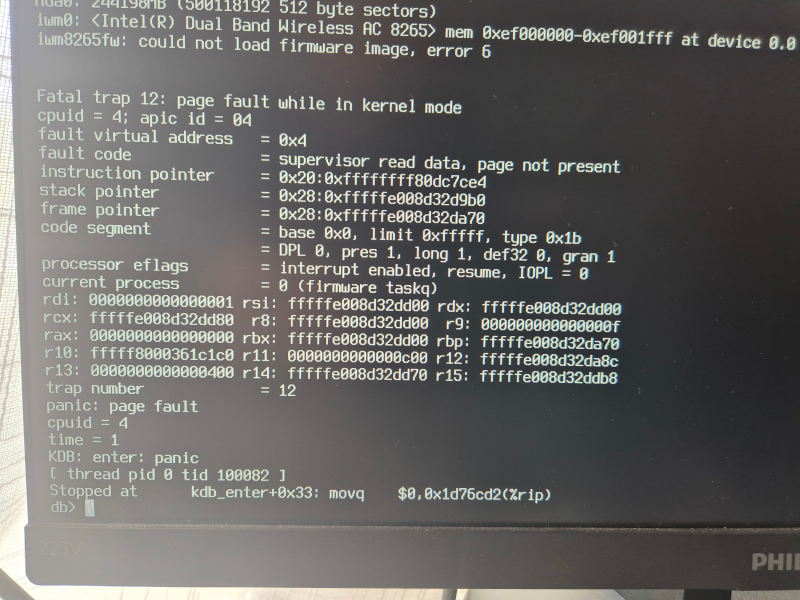
pfsense WiFi iwm8265fw Firmware Boot Fail
Trying to load the iwm8265fw causes a kernel panic. So you need to disable the WiFi Card in the BIOS
0 Comments