
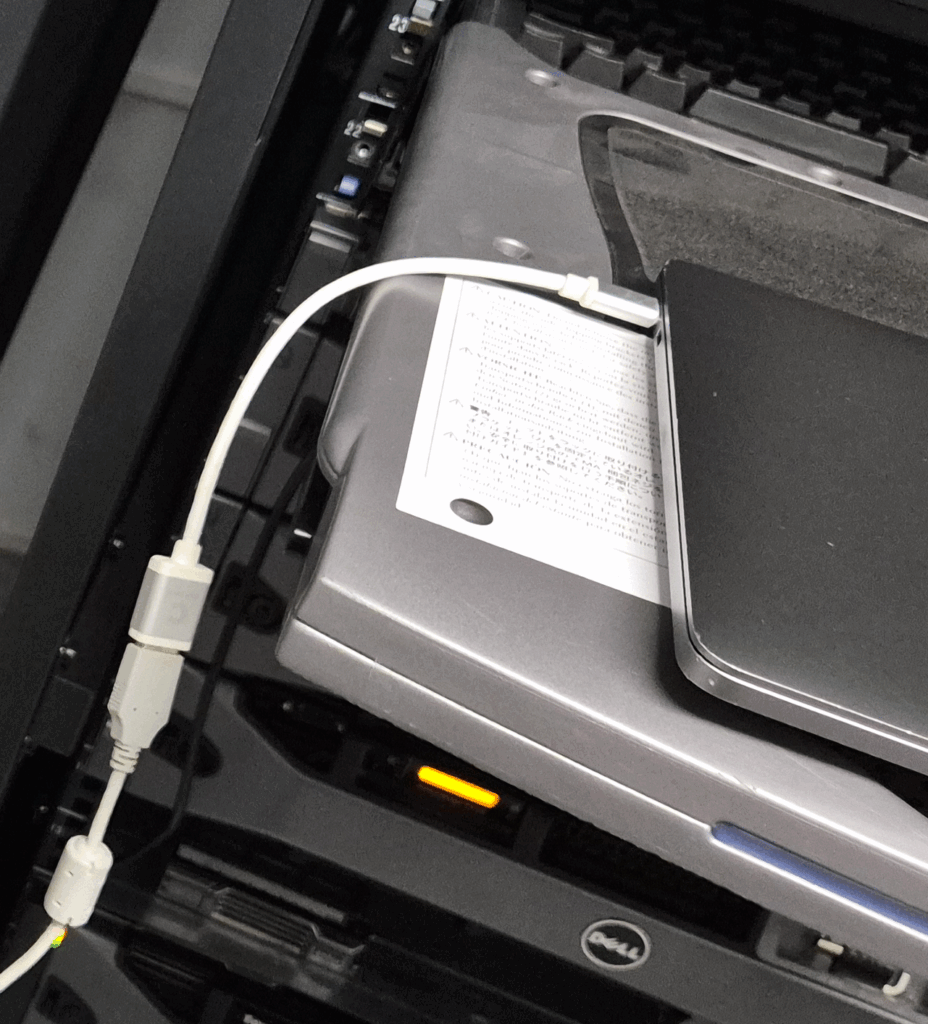
For the Netgate 1200 the required console cable is a 3-foot USB Mini-B to USB-A
The Netgate SG-1100 uses a USB-A to USB Micro-B cable.
This is what I'm using from MacOS M1 with the Silicon Labs Driver Installed and it seems to work OK
I've used it on iTerm2 / Ghostty
# As root
# screen /dev/cu.usbserial-10 115200,-ixon

# Use CTRL A then CTRL \ and enter y to exit the screen session
Re the driver install downloaded from https://www.silabs.com/developers/usb-to-uart-bridge-vcp-drivers
Ran the install program, the install program hung at about 3/4 progress. I ended up restarting my MacBook and it seems to have installed and loaded. Even though it stalls it works after a reboot
To plug the USB-A console cable into my Mac I'm using a Comsol USB-A female to USB-C male dongle.
0 Comments