
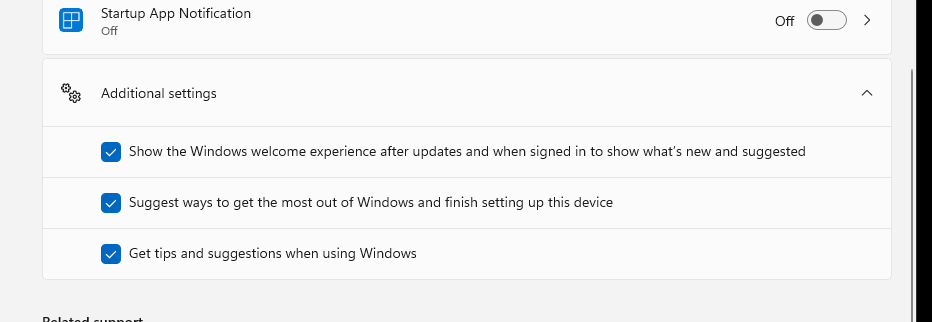
Settings => System => Notifications => Scroll to "Additional settings" and uncheck these three options:
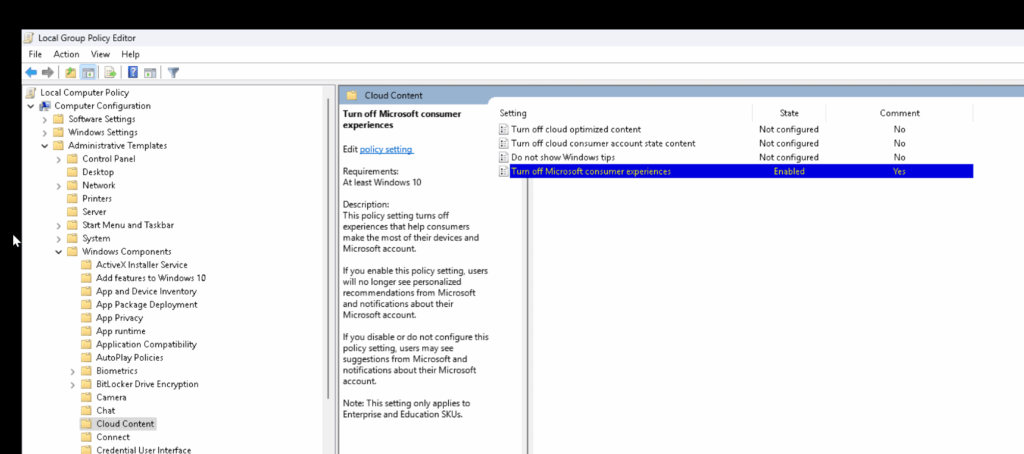
Enterprise Only
Seems like this won't work on Windows 11 Pro as the policy explicitly mentions "Note: This setting only applies to Enterprise and Education SKUs."
0 Comments