
The following link contains instructions on how to disable Hyper-V and other features to allow using the native VMWare Hypervisor
https://blog.jklug.work/posts/windows-nested-virtualization
Turn off Virtualization Based Security and Credential Guard with the "Device Guard and Credential Guard hardware readiness tool"
https://www.microsoft.com/en-us/download/details.aspx?id=53337
Unpack the zip and run "C:\admin\dgreadiness_v3.6\dgreadiness_v3.6\DG_Readiness_Tool_v3.6.ps1" script with the -disable parameter and reboot
"C:\admin\dgreadiness_v3.6\dgreadiness_v3.6\DG_Readiness_Tool_v3.6.ps1" -disable
During the reboot you will be prompted to accept the loss of Virtualization Based Security and Credential Guard
Run the install for the latest version of VMWare VMware-Workstation-Full-26H1-25388281.exe
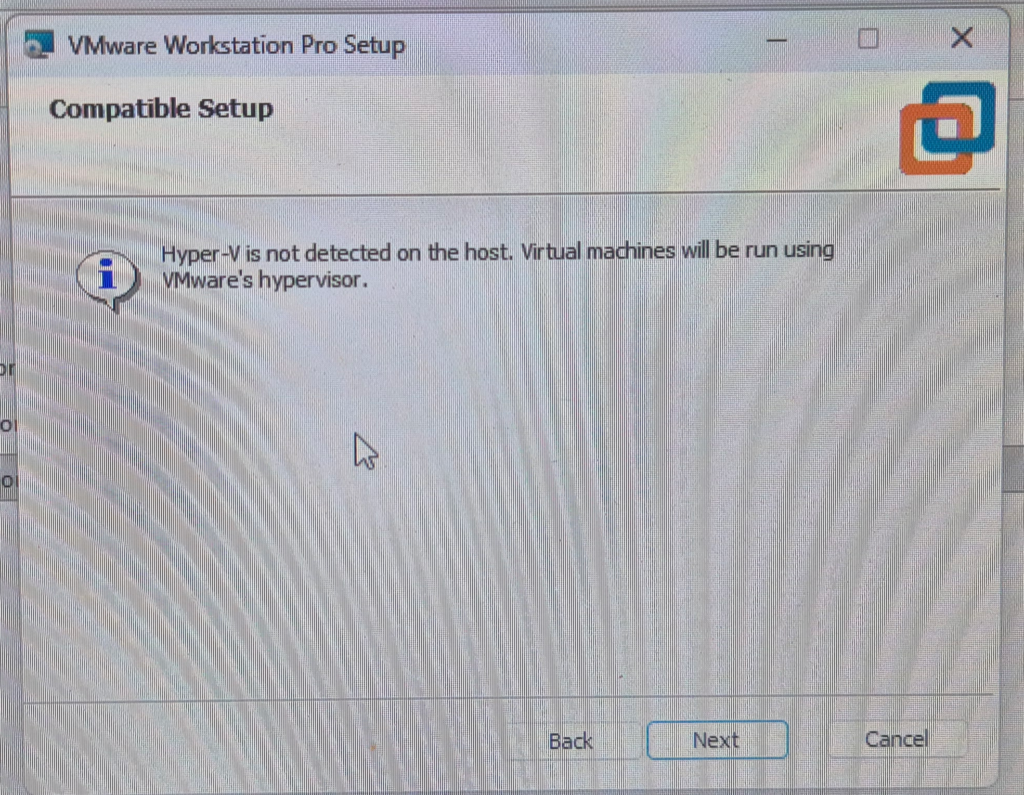
if it says it will use VMwares hypervisor continue the install. If it says it will use Hyper-V redo the steps above in case you have skipped a necessary step.
0 Comments