
Originally I build the above small ITX PC in a Silverstone case and recently I lost my dear old 4 Drive Synology DS415+ so I've moved the 4 x 8TB HDD's into a new case and transferred the innards into the following new bits. RAM, Case and SSD.
| QTY. PART #[ID] | DESCRIPTION | EX TAX | DIS% EX TOTAL | ||
| 1 | F4-3600C18D-32GTZR | G.SKILL TRIDENT Z RGB F4-3600C18D-32GTZR 32GB (2X16GB) 3600MHZ DDR4 C18 MEMORY | $ 335.45 | 0.00 | $ 335.46 |
| 1 | CA-1C2-00M1NN-00 | THERMALTAKE VERSA H25 MID TOWER CASE ( USB3.0 ) | $ 58.18 | 0.00 | $ 58.18 |
| 1 | BNV350001TB-RGX | BIWIN NV3500 1TB PCIE3.0 M.2 NVME 2280 UP TO 3500MB/S & 2500MB/S - 5 YEAR WARRANTY (BNV350001TB-RGX) | $ 226.36 | 0.00 | $ 226.36 |
| 1 | CREDIT CARD FEE | $ 13.64 | 0.00 | $ 13.64 | |
| Subtotal Ex: | $ 633.64 | ||||
| GST(10%): | $ 63.36 | ||||
| Owing (Inc GST): | $ 697.00 | ||||
| Paid: | $ 697.00 | ||||
As it is an old build with moved components I wanted to test whether the RAM is OK.
So I've downloaded and ran https://www.memtest86.com/ I believe it will take around 4 to 6 hours to do the default four pass test run. But good way of confirming the RAM is good before running the built PC
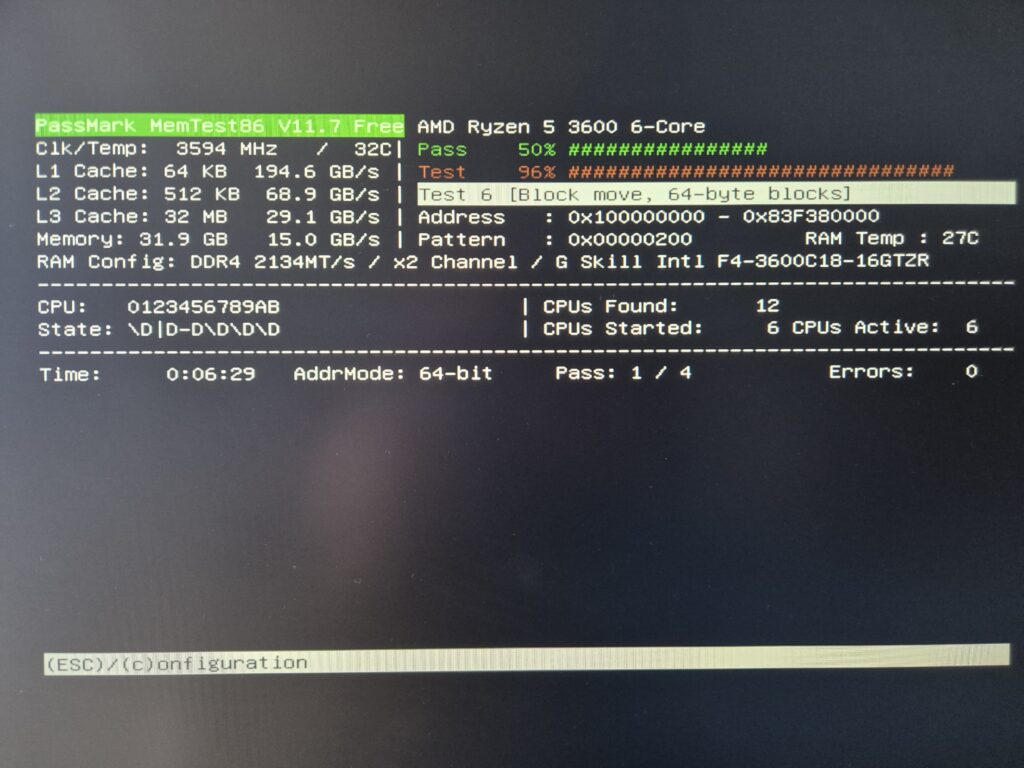
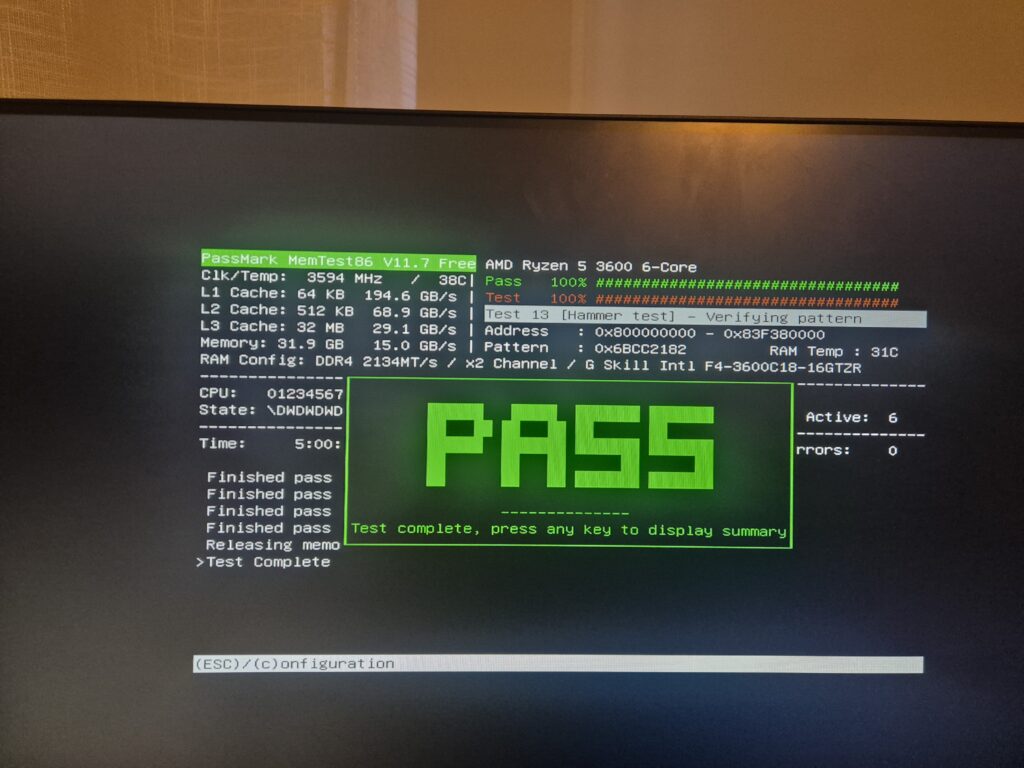
4 passes took 5 hours.
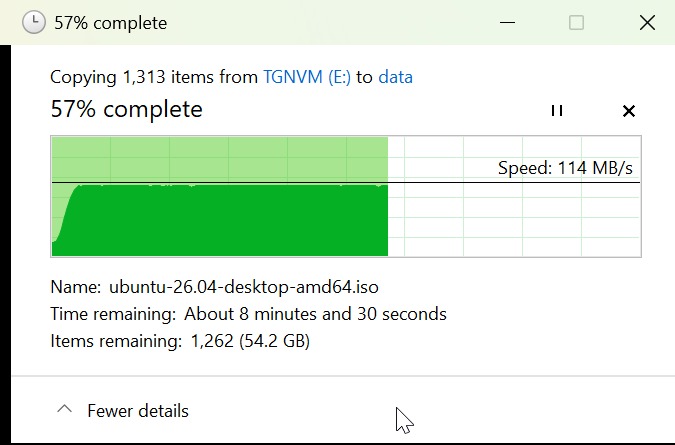
I've run TrueNAS on it and the file copy performance has been a solid 114MB/s or (0.912Gbps) for my Unifi 1Gbps network.
0 Comments